Images API
Two endpoints: Generate (text → image) and Edit (image + text → image). Both responses follow the OpenAI standard shape data[0].b64_json.
Generate images
POST https://api.hao.ai/v1/images/generationsWith gpt-image-2
Python
import base64
from openai import OpenAI

client = OpenAI(api_key="YOUR_HAOAI_API_KEY", base_url="https://api.hao.ai/v1")

resp = client.images.generate(
    model="openai/gpt-image-2",
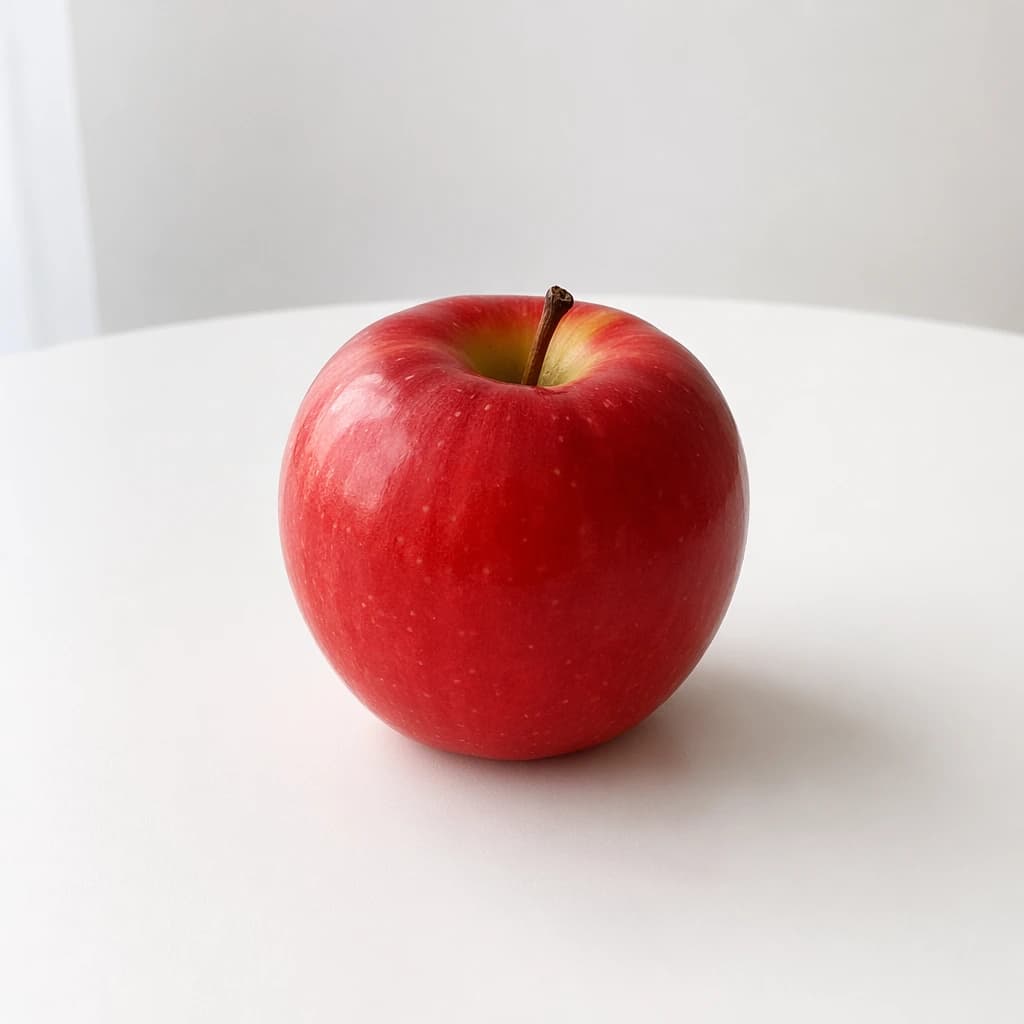
    prompt="A simple red apple on a white table",
    size="1024x1024",
    quality="low",
    output_format="png",
)

with open("output.png", "wb") as f:
f.write(base64.b64decode(resp.data[0].b64_json))Sample output:
Parameters
| Parameter | Type | Required | Description |
|---|---|---|---|
model | string | ✅ | openai/gpt-image-2 |
prompt | string | ✅ | Natural-language description |
quality | string | ✅ | auto / low / medium / high. Quality does not affect the price for the gpt-image family (see Billing below) |
n | number | — | 1–10, default 1 |
size | string | — | auto (defaults to 1536x1024) or any WIDTHxHEIGHT — see “Supported sizes” below |
output_format | string | — | png / jpeg / webp |
background | string | — | opaque / auto. gpt-image-2 does not support transparent (it errors) |
stream | boolean | — | Default false |
Supported sizes (gpt-image-2)
Sizes are not a fixed list — any WIDTHxHEIGHT works as long as it satisfies all of:
- both width and height are multiples of 16;
- each side is ≤ 3840;
- the aspect ratio is between 1:3 and 3:1;
- total pixels are between 655,360 and 8,294,400 (~0.64MP to ~8.3MP).
Common sizes: 1024x1024, 1536x1024, 1024x1536, 2048x2048, 2560x1440; 4K tier: 3840x2160, 2160x3840, 2880x2880.
1920x1080 is rejected (1080 is not a multiple of 16) — use 1920x1088 instead. Legacy DALL·E sizes such as 256x256 and 512x512 fall below the pixel floor and are also unavailable.
The 4K tier is experimental: a single image can take several minutes (set client timeouts to ≥600s), and the upstream occasionally fails mid-render — failed generations are not billed.
Billing (official token metering × 0.15)
Billing is structurally identical to the official OpenAI API: same units, same token counts, at 0.15× the official rates — every line is reproducible with official tooling.
| Line item | Official rate | This platform |
|---|---|---|
| Image output | $30/M tokens | $4.50/M tokens |
| Text input (prompt) | $5/M tokens | $0.75/M tokens |
| Reference image input (edits) | $8/M tokens | $1.20/M tokens (see below) |
| Cached input | $1.25–$2/M tokens | No cache hits on this path — always 0 |
| Text output | — (none for gpt-image-2) | — |
- Image output tokens follow the official meter (output size × quality tier; verify any image against the calculator in the official Calculating costs guide). High-tier references: 1024×1024 = 7,024 tokens ≈ $0.0316/image; 1536×1024 = 5,488 ≈ $0.0247; 3840×2160 = 13,342 ≈ $0.0600; 2880×2880 = 23,719 ≈ $0.1067.
- Every image is metered at the high tier (low/medium/high cost the same): the upstream renders at its high-detail pipeline regardless of the requested quality, so the high-tier meter bills what is actually delivered.
- Prompts are counted with the official tokenizer (o200k) — token-for-token identical to what tiktoken reports locally.
- Reference image input applies only when you upload an image to
/v1/images/edits(plain text-to-image has none). OpenAI publishes no reproducible formula for input-image token counts, so reference-image input is not separately metered on the current path; the $1.20/M in the table is the official-aligned discounted rate (official $8/M × 0.15) and applies only where the upstream reports that token count in official terms. ngreater than 1 bills per image; failed generations are not billed.
See the model catalog for live prices.
Response
{
  "created": 1777385517,
  "data": [
    { "b64_json": "<image Base64>", "index": 0 }
  ],
  "model": "openai/gpt-image-2",
  "size": "1024x1024",
  "quality": "low",
  "usage": {
    "input_tokens": 8,
    "input_tokens_details": { "text_tokens": 8 },
    "output_tokens": 7024,
    "total_tokens": 7032
  }
}
usage is returned in official terms: input = the o200k token count of the prompt, output = the official formula applied to the actual output size at the high tier — identical to what is billed. Note the example’s quality is low yet output still meters 7,024 at the high tier (see Billing).
The image lives in data[0].b64_json — base64-decode and save it.
Edit images
POST https://api.hao.ai/v1/images/editsmultipart/form-data — you must upload an image file.
Call
Python
import base64
from openai import OpenAI

client = OpenAI(api_key="YOUR_HAOAI_API_KEY", base_url="https://api.hao.ai/v1")

with open("apple.png", "rb") as f:
    resp = client.images.edit(
        model="openai/gpt-image-2",
        image=f,
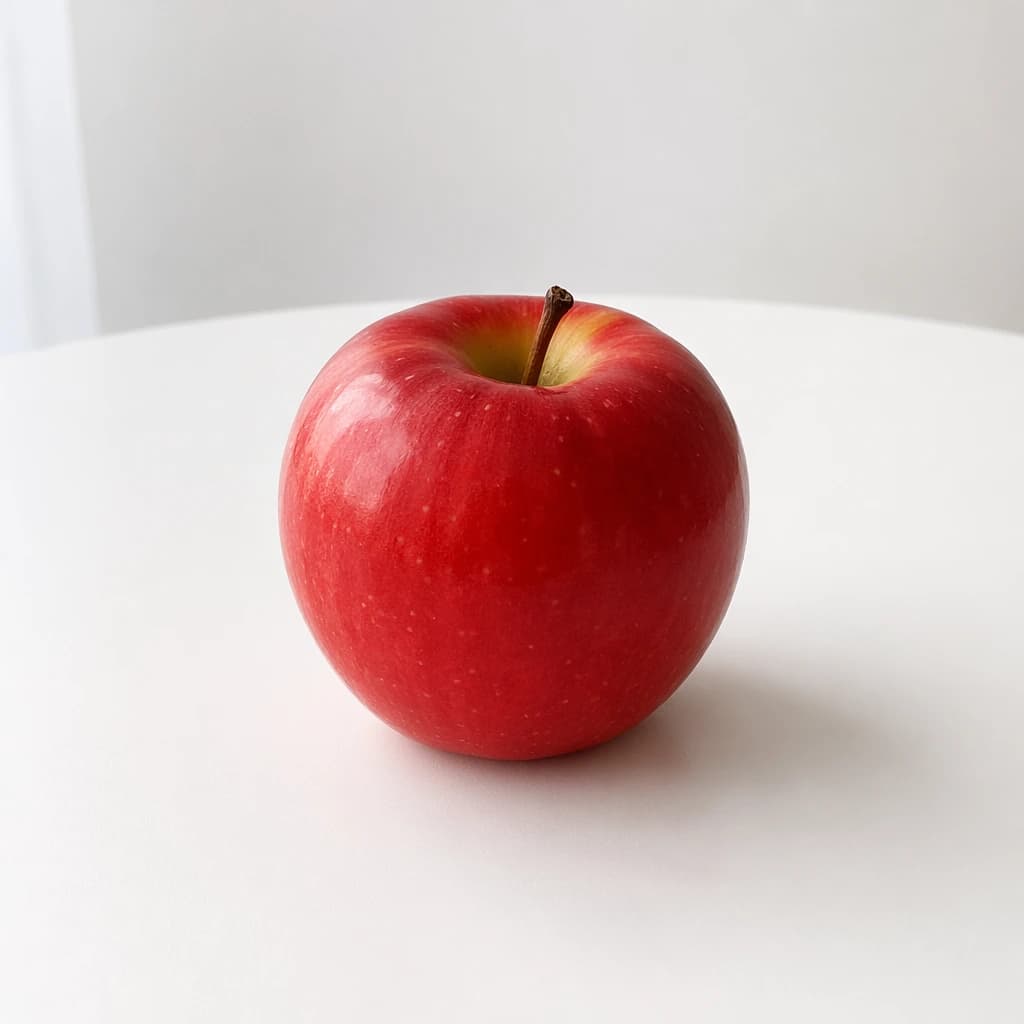
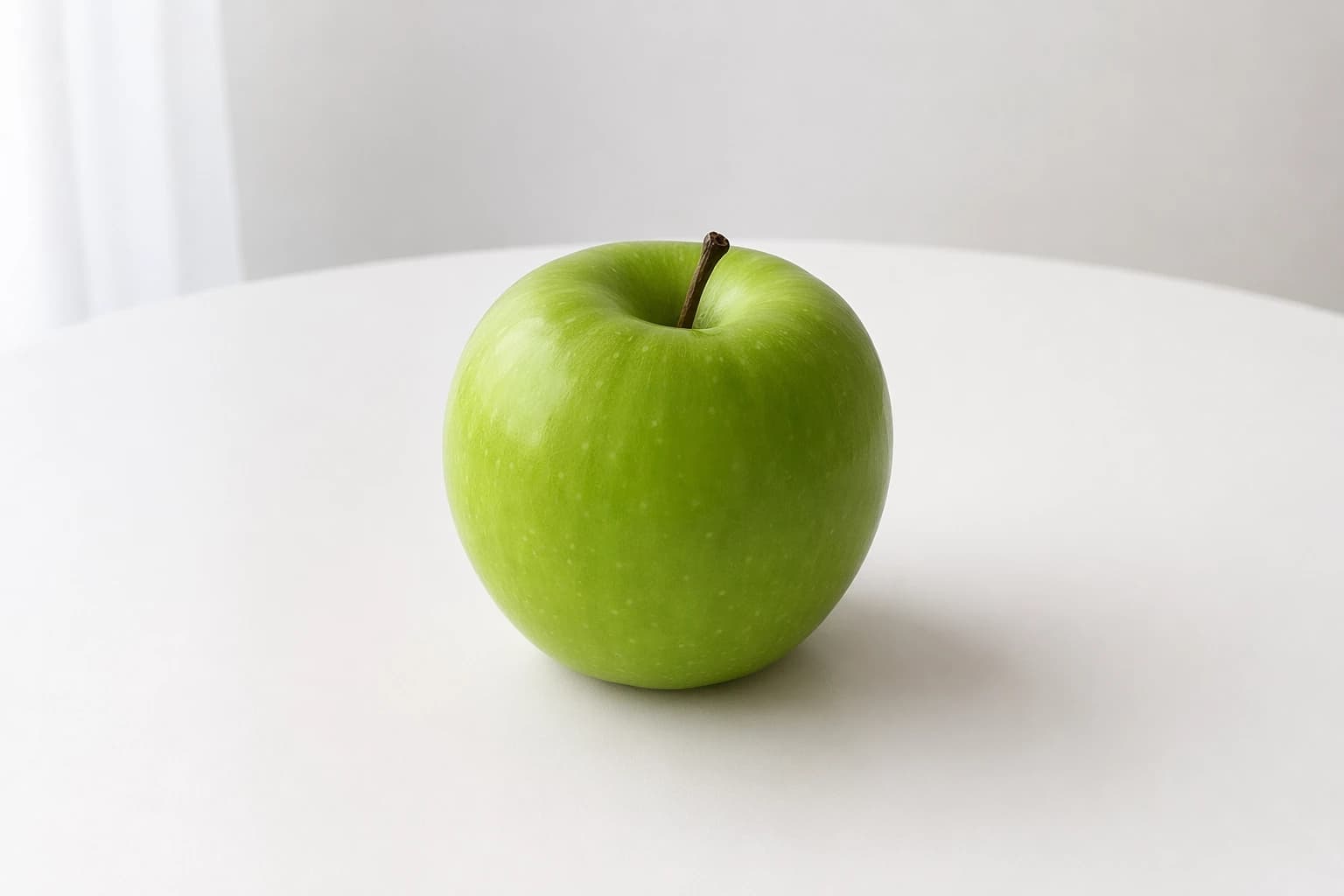
        prompt="Change the apple to green while keeping everything else unchanged",
        size="auto",
        quality="low",
    )

with open("apple_edited.png", "wb") as out:
out.write(base64.b64decode(resp.data[0].b64_json))The image field takes a local file path (with the @ prefix in cURL), not a URL.
Before / after:
| Original | Edited |
|---|---|
 |  |
Parameters
| Parameter | Type | Required | Description |
|---|---|---|---|
model | string | ✅ | Recommended: openai/gpt-image-2 |
image | file | ✅ | PNG / JPEG file |
prompt | string | ✅ | Edit instruction |
quality | string | ✅ | low / medium / high |
n | number | — | Default 1 |
size | string | — | auto keeps the original size |
Response
Same shape as generation:
{
  "created": 1777385669,
  "data": [
    { "b64_json": "<edited image Base64>", "index": 0 }
  ],
  "model": "openai/gpt-image-2",
  "size": "auto",
  "quality": "low",
  "usage": {
    "input_tokens": 10,
    "input_tokens_details": { "text_tokens": 10 },
    "num_input_images": 1,
    "output_tokens": 5488,
    "total_tokens": 5498
  }
}
Same as generation, usage is returned in official terms. num_input_images is the input image count. Note: reference-image input tokens are not counted (OpenAI publishes no reproducible input-image formula — see Billing above), so input_tokens_details carries only text_tokens.
See supported models and pricing in the Model Catalog .